
AI Edit (Beta)
✨ How do I edit a scene with AI Edit?
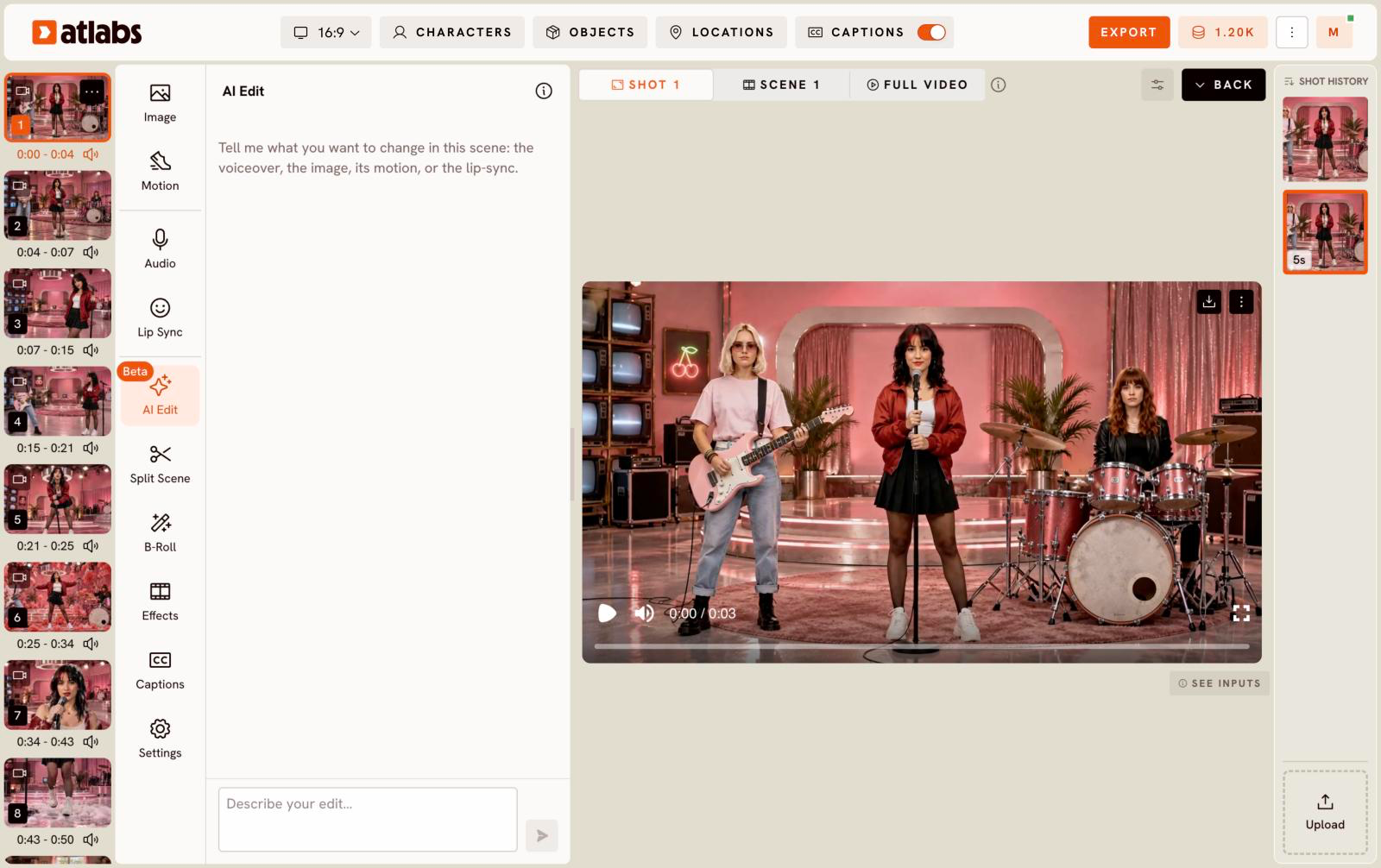
AI Edit lets you describe a change in plain words instead of finding the right tab. It can change the scene's voiceover, image, motion or lip sync.
- Open your story, click Edit Video and pick the scene.
- Click AI Edit (marked Beta).
- In Describe your edit…, type what you want, for example, "Make the narration calmer" or "Change her jacket to blue".
- Send it and review the result in the preview.
Changes that generate new images, video or audio use credits, as they would in the other tabs.
Updated on: 11/18/2026
Thank you!